Syndicate Course · JobNimbus for roofers

The JobNimbus system we run, written down so you can run it too.

Six manuals. One builds your account from empty in a day. Five teach each department exactly how to work inside it: what to open, what to click, what to do next.

The kit is included the day you join any Syndicate tier. Start in Grow with a $1 free week.

Just want the manuals? $250 one time, Word + PDF: buy the kit on its own

Scroll down: what’s in the six manuals
JobNimbus Setup Manual cover
  • 19Build steps
  • 32Job statuses
  • 106Automations
  • 26Forms
  • 6Boards
  • 85Pages
What this actually is

Not advice about a CRM. The CRM, already built.

It’s a working account (statuses, fields, boards, forms and automations) taken out of a roofing company that runs on it every day, and written down step by step so your admin can rebuild it exactly.

Some of what that buys you is unglamorous and worth real money. Work orders run on their own statuses, one workflow per trade, so when a sub finishes there’s a record of what was completed, on which job, by which crew. Overpayments, double payments and the argument three weeks later all come from not having it.

Built for someone who has never configured anything

Every name is spelled out exactly as it must be typed, because in JobNimbus a status name is wiring. Rename one and the automations pointing at it quietly stop firing.

What you get

Six documents. One builds the system. Five run it.

Setup Manual cover

Setup Manual

Owner or office admin · 33 pages

Nineteen steps in strict order, from an empty account to a working one. Every status, field, board, form and automation, with the exact text to type. Ends with seven checks and one live job pushed end to end.

Sales Manual cover

Sales Manual

Roofing advisor · project consultant · 11 pages

The daily eight. How to result every appointment so management can see what’s working, and the approval checklist a sold job has to clear before production schedules it.

Production Manual cover

Production Manual

Production manager · quality supervisor · 11 pages

What happens the moment a job is approved, how work orders get built per trade, and the install-day form, including the photo sequence that protects you from pre-existing damage claims.

Accounting Manual cover

Accounting Manual

Bookkeeper · office manager · 10 pages

Receipt naming, bill versus expense, and how a job becomes a QuickBooks project so job costing is real. Subs get paid against a completed work order, not a phone call.

Marketing Manual cover

Marketing Manual

Marketing · intake · 11 pages

Taking a lead properly the first time, working the ones that don’t book on a real schedule, and confirming appointments so reps stop driving to empty driveways.

Management Manual cover

Management Manual

Owner · sales manager · office manager · 9 pages

The production approval gate (nine things verified before a job is scheduled), reading the boards, the weekly sales pulse, and the monthly checks that catch silent failures.

What buyers ask

JobNimbus Build Kit FAQ

How long does it take to set up JobNimbus with this kit?

One person, one working day, following the Setup Manual start to finish without skipping ahead. Most of that day is typing names exactly as written. Then budget an hour for the seven checks and one real job pushed all the way through. Training is about an hour per department, using their manual as the agenda.

Is anyone actually running this JobNimbus setup?

Yes, that’s where it came from. It was pulled out of a live roofing company’s JobNimbus account, status by status and automation by automation. Before that, it’s what we ran at All-Side Roofing & Restoration.

Why do names have to be typed exactly?

In JobNimbus a status name is wiring. Rename one and the automations pointing at it quietly stop firing, with no error anywhere on screen.

Does it include estimate templates?

No, deliberately. This is the operating structure: how a job moves through your company, who owns it at each step, and what has to be true before it moves on. Estimating is a different discipline.

Can I use it for more than one company?

No. Each kit is licensed to one company for internal use. You can edit your copy and print it for your own team.

Can I get a refund?

No. The kit is a digital download, and there are no refunds on digital downloads. All sales are final.

Is it included in Syndicate membership?

Yes, every tier includes the kit from day one, starting with Grow (first week free for $1).
In the room

Built at the desk, with the people who use it.

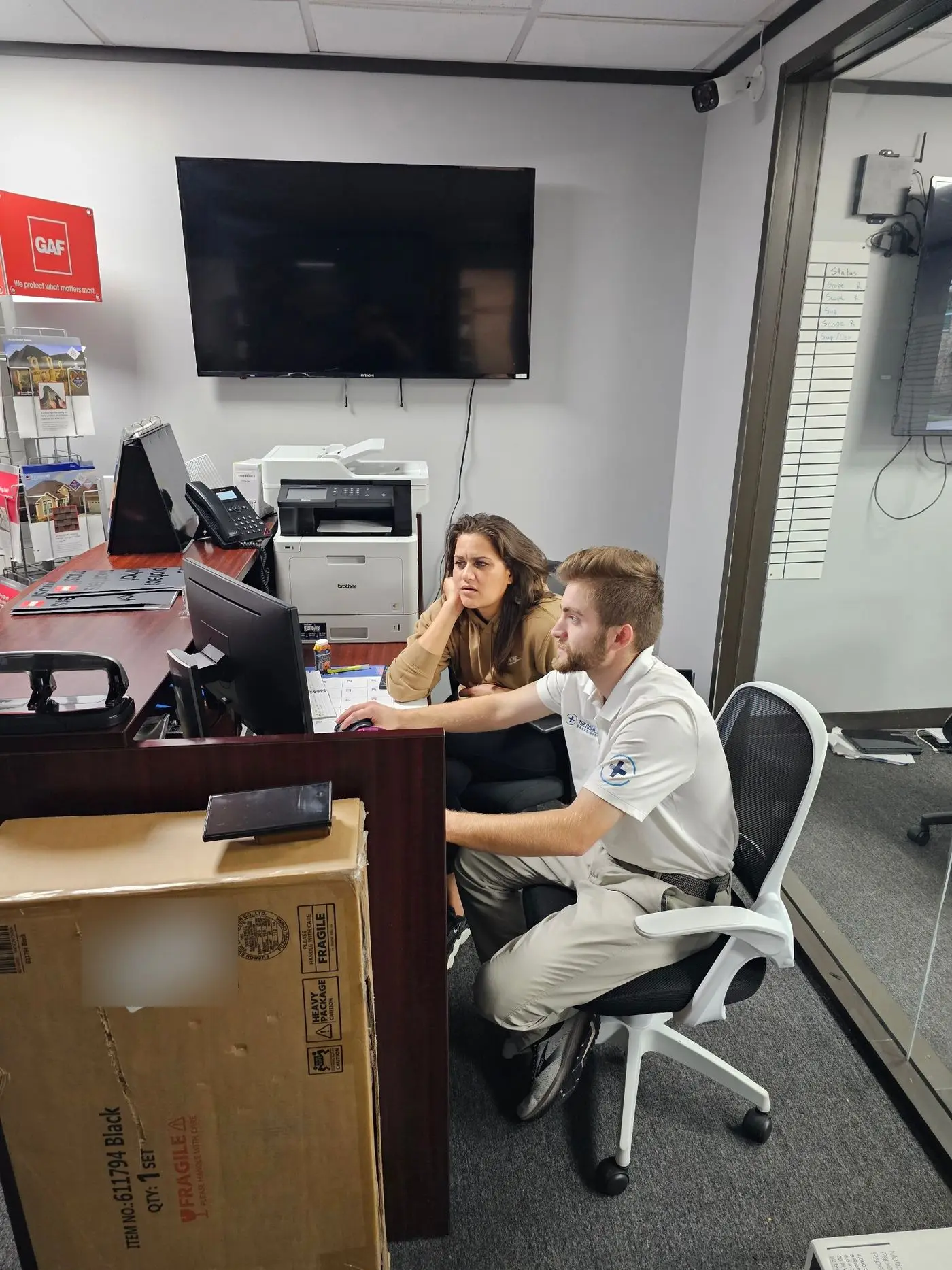
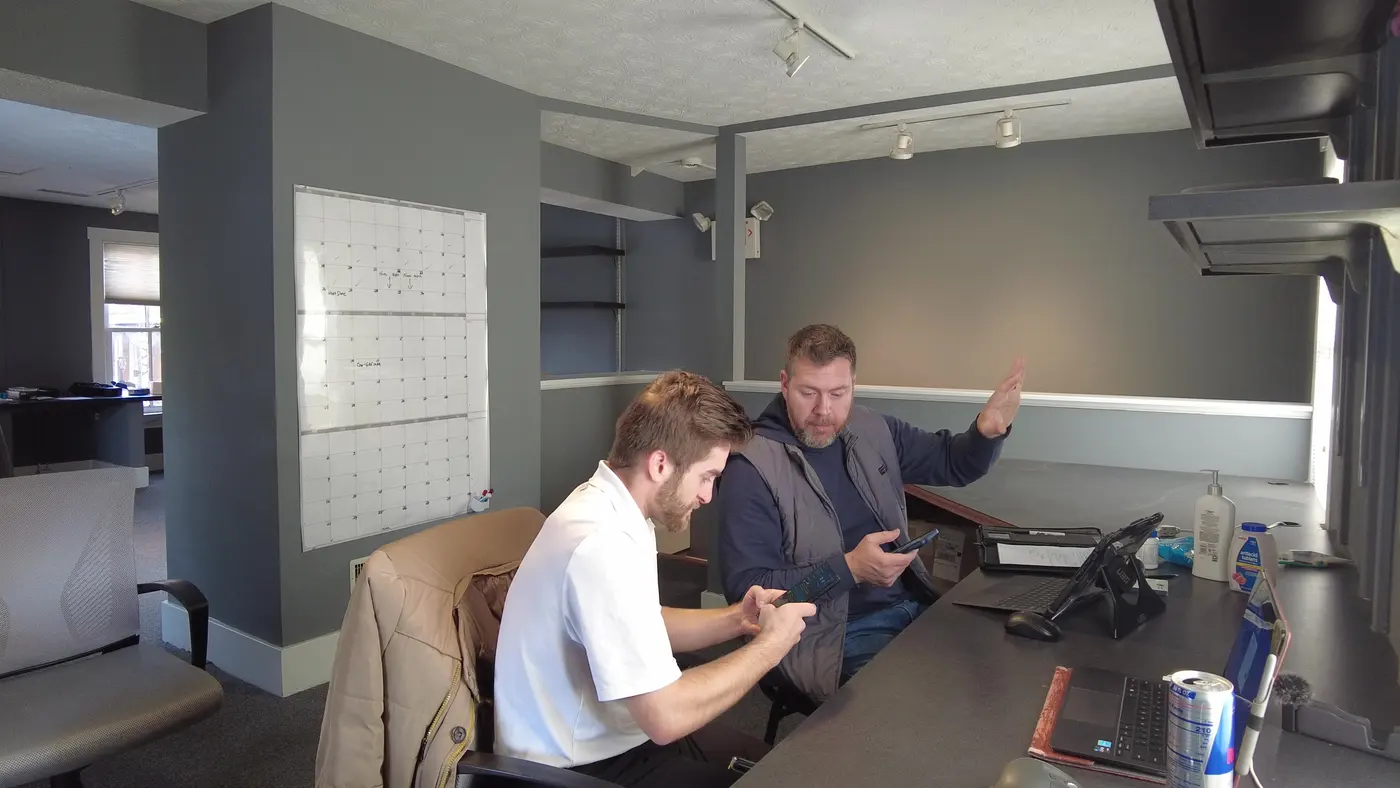
Noah working at an office computer with a team member
Side by side at the desk, building the system in their CRM.
Noah coaching a roofing rep at his desk
Side-by-side coaching at a rep’s desk at All-Side Roofing.

Build it in a day. Run it for years.

Get the kit, the Process Pulse and the rest of the Syndicate. Start with a $1 free week.

$1 to join, donated to Boys & Girls Clubs of America. Every Group Pulse for a week, then you decide.

Or the manuals on their own: $250 one time